How to use it
Go for a ride
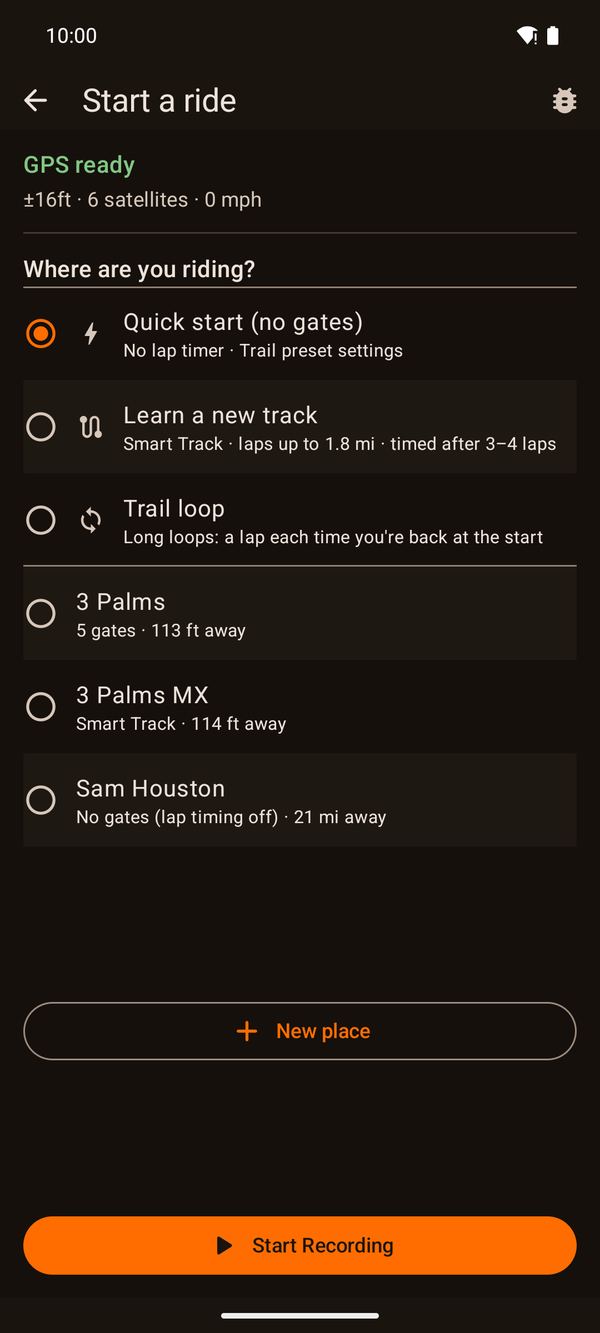
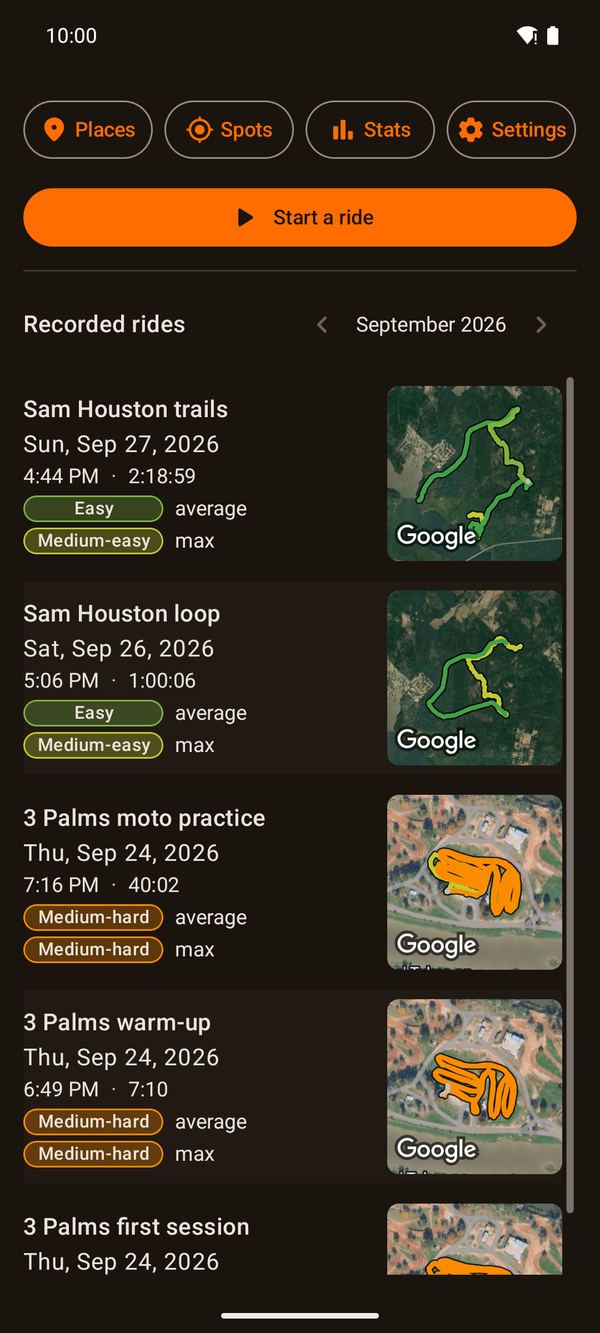
Tap Start a ride. DirtLog shows how good your GPS is right now, and asks where you're riding:
- Quick start (no gates) is all you need for trail rides. Nothing needs setting up.
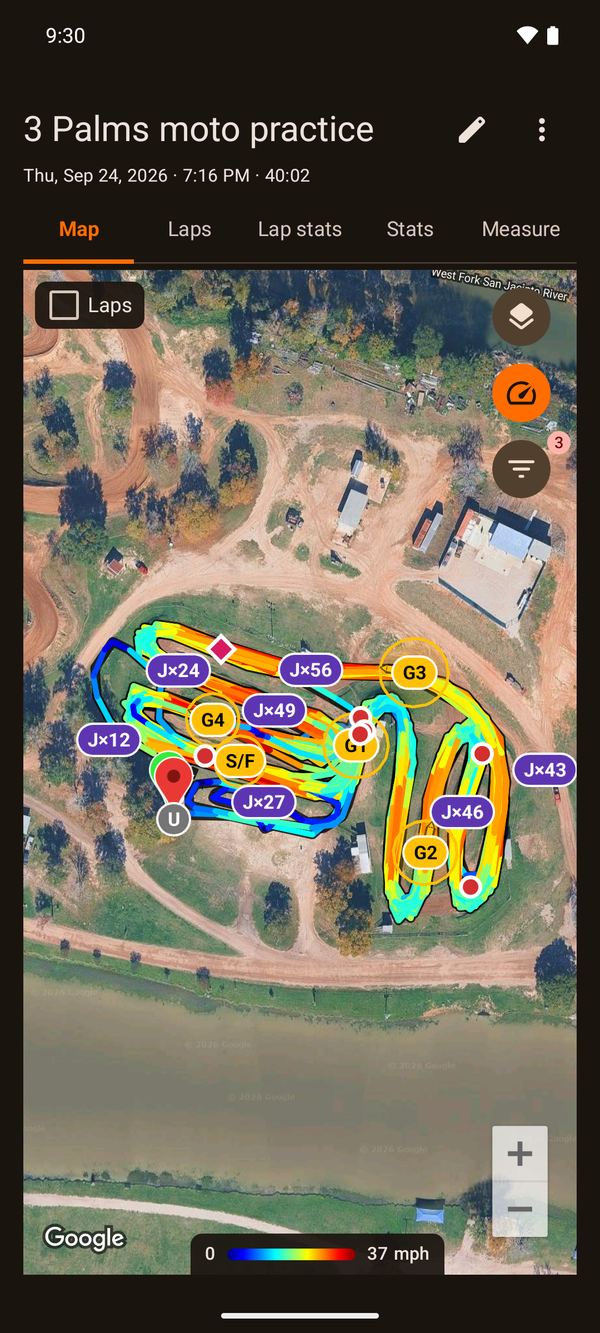
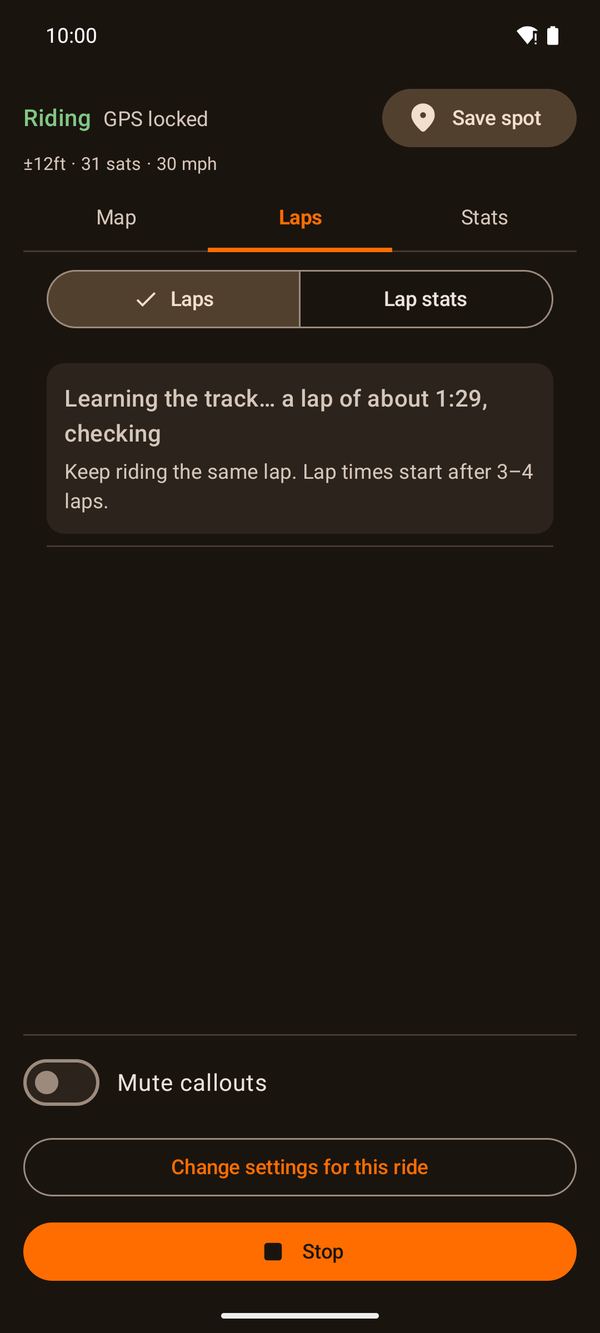
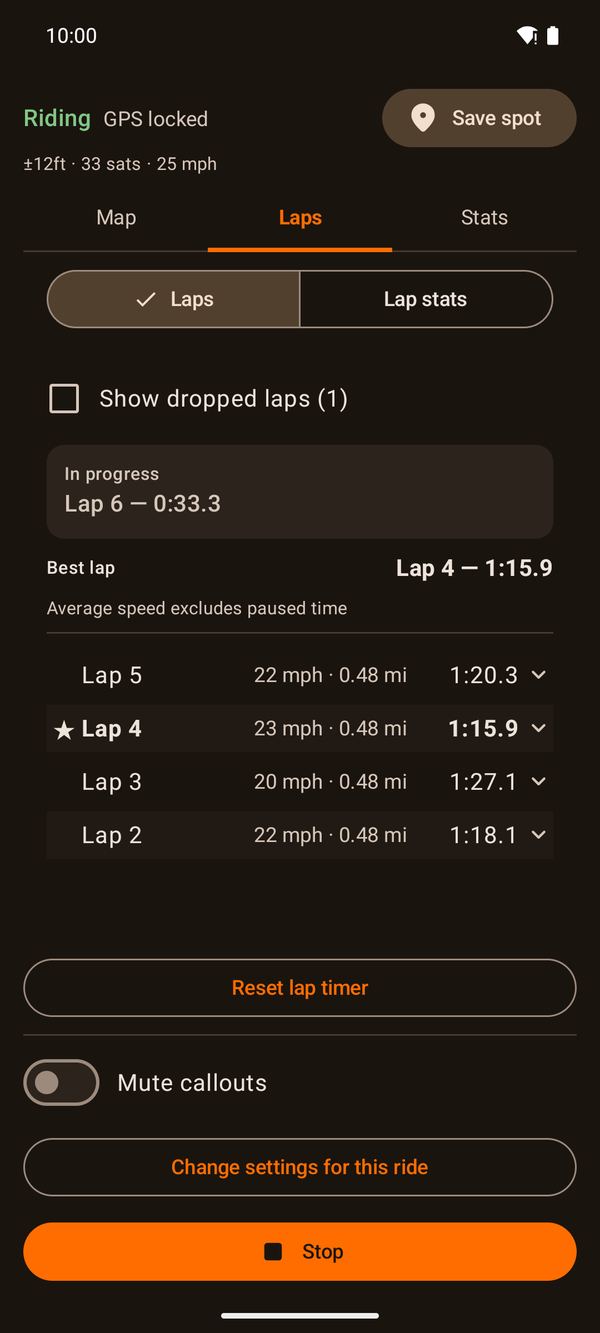
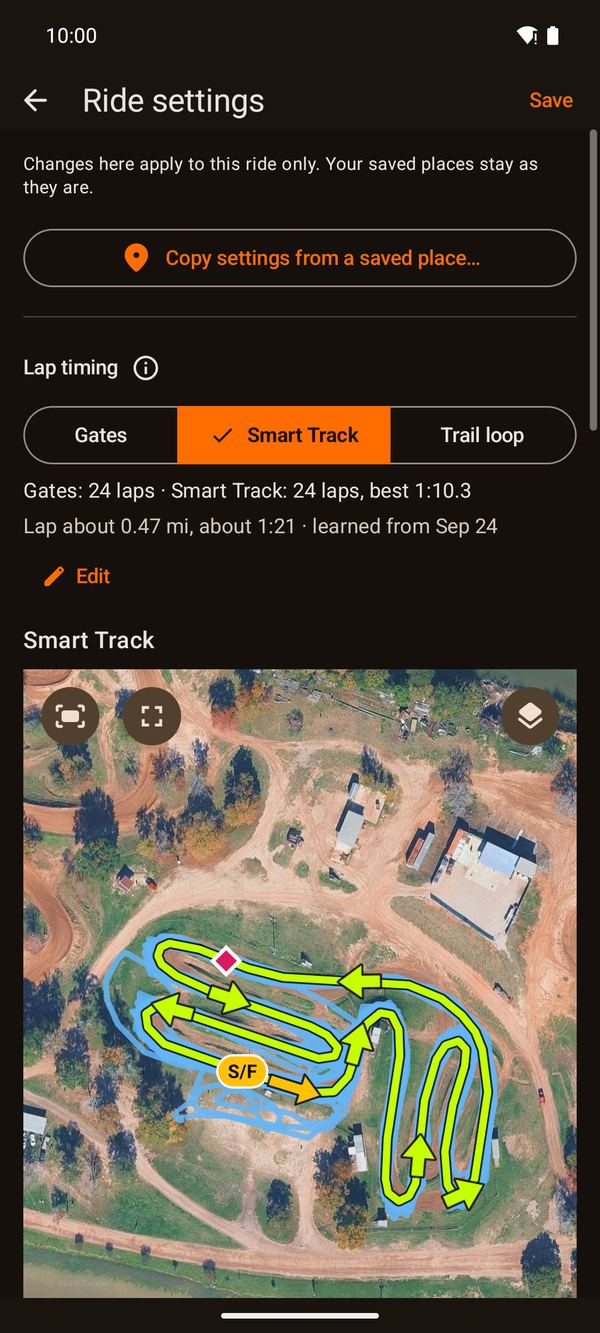
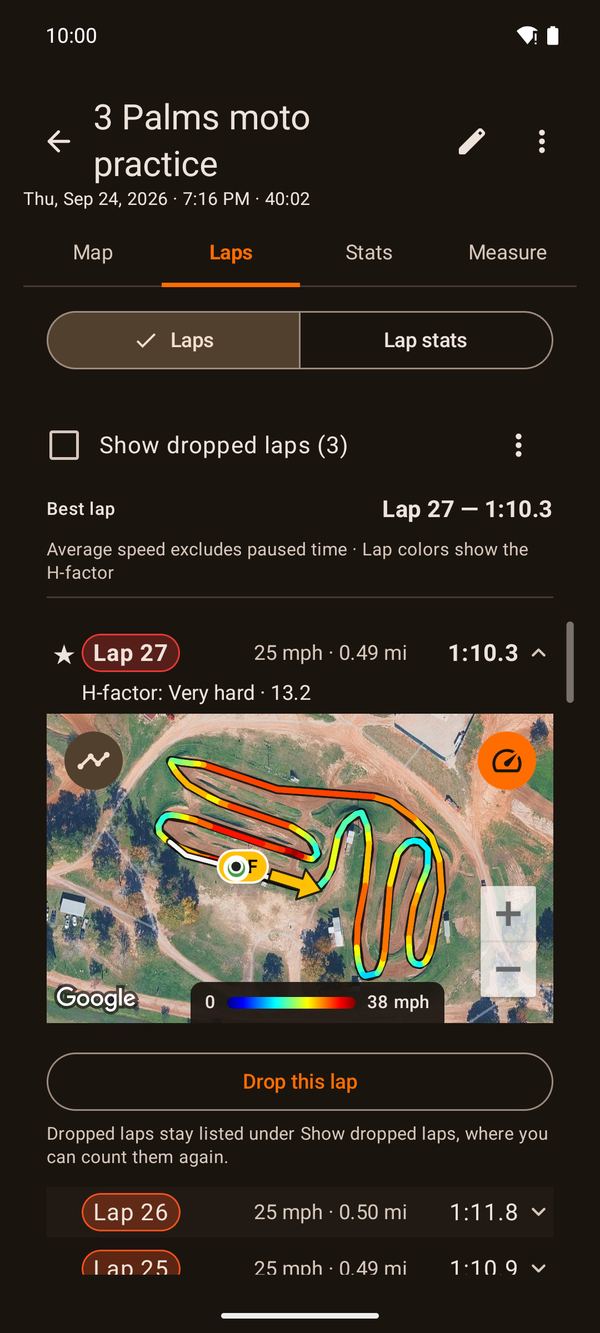
- Learn a new track at a track: ride your lap, and after 3–4 laps DirtLog knows it and times every lap (Smart Track, below).
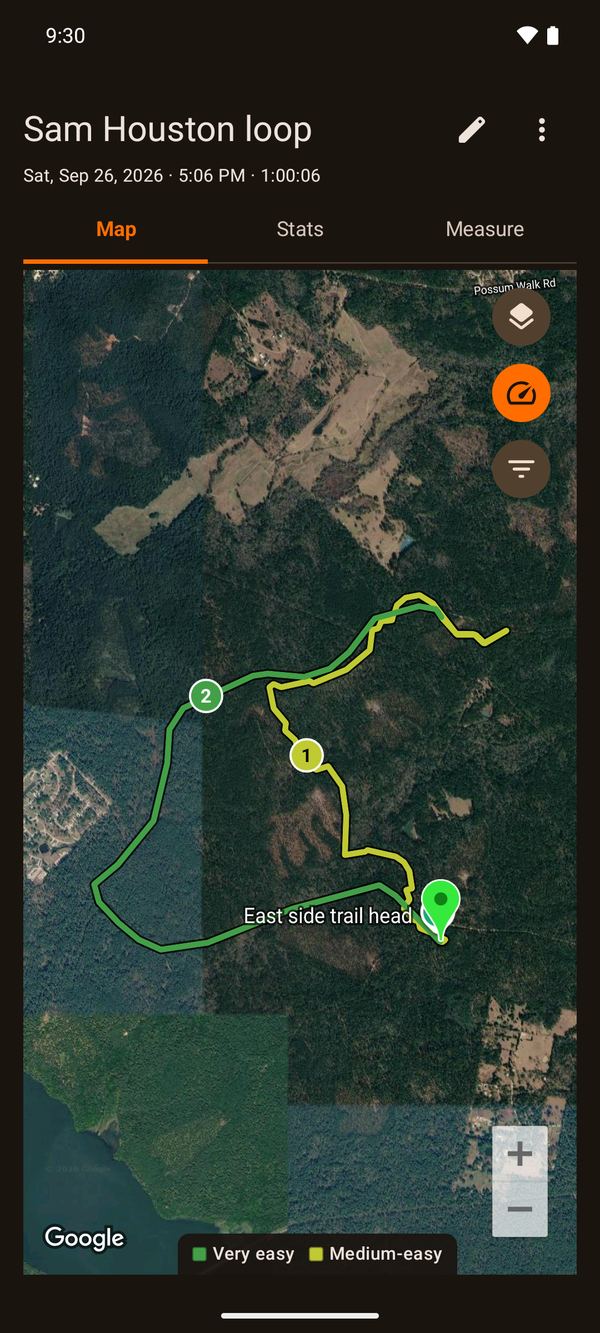
- Trail loop for long loops: a lap each time you're back at the start.
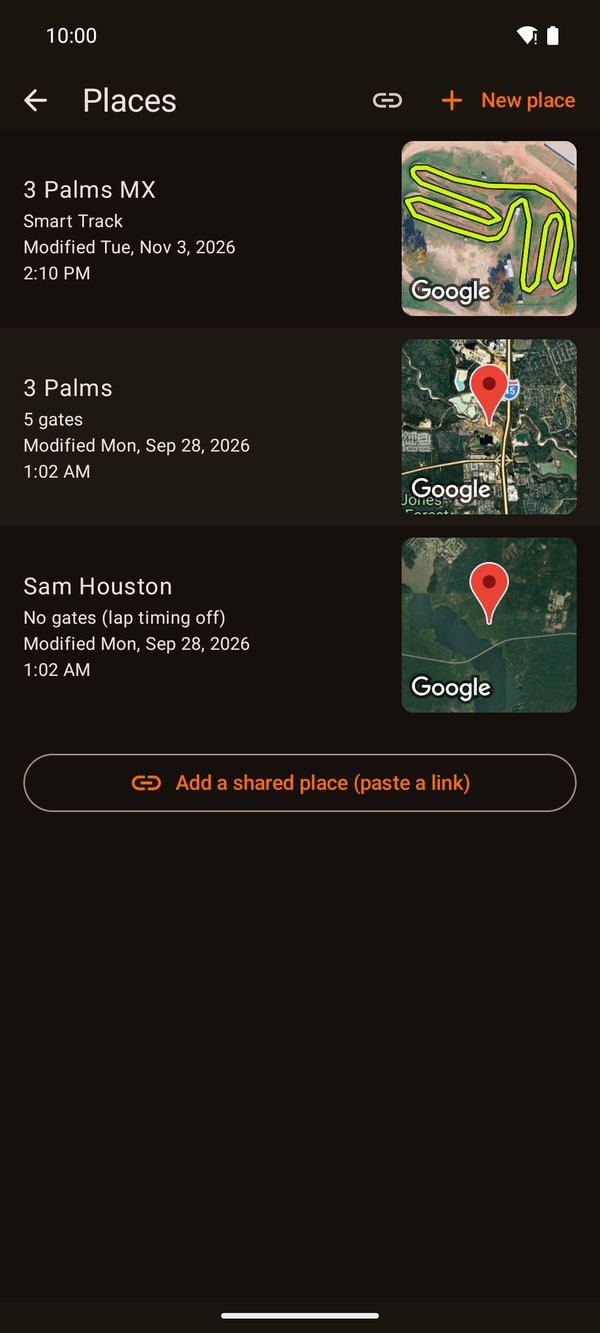
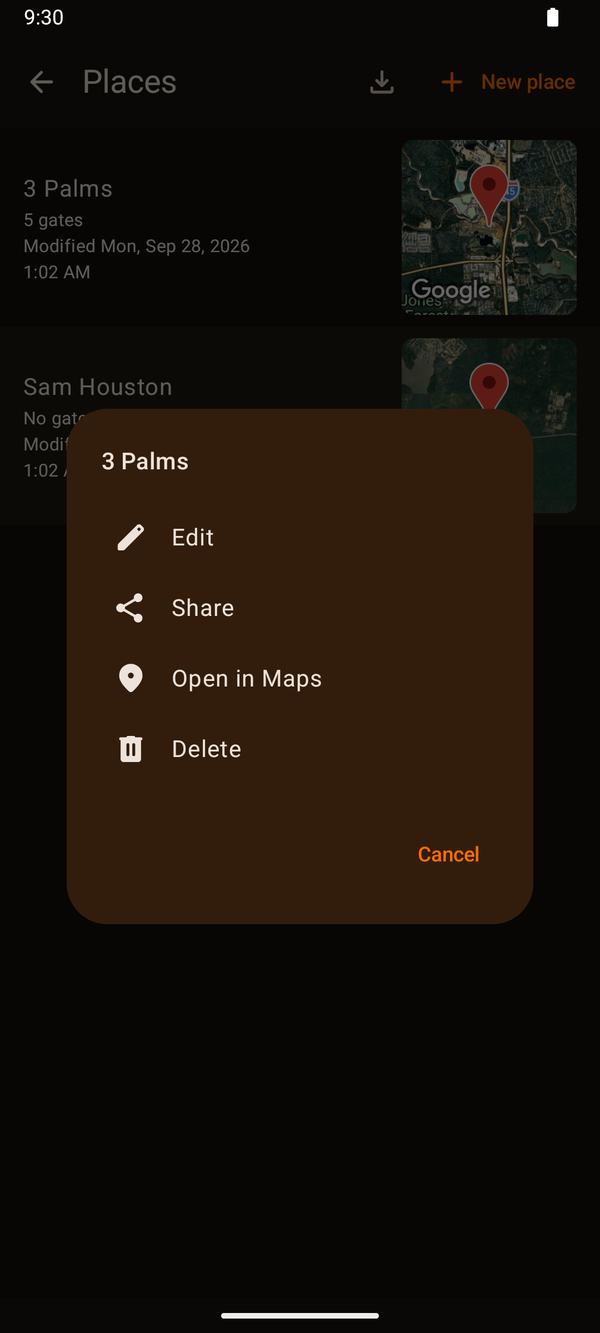
- Or pick one of your places, listed nearest first, to use its lap timer and settings.
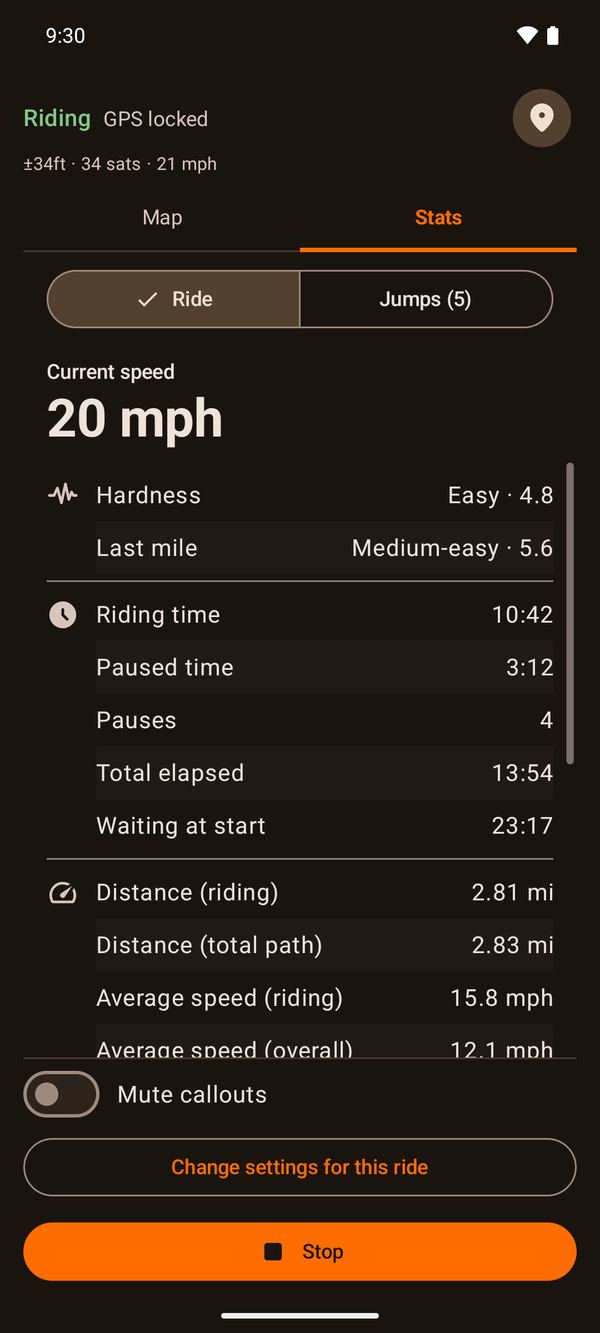
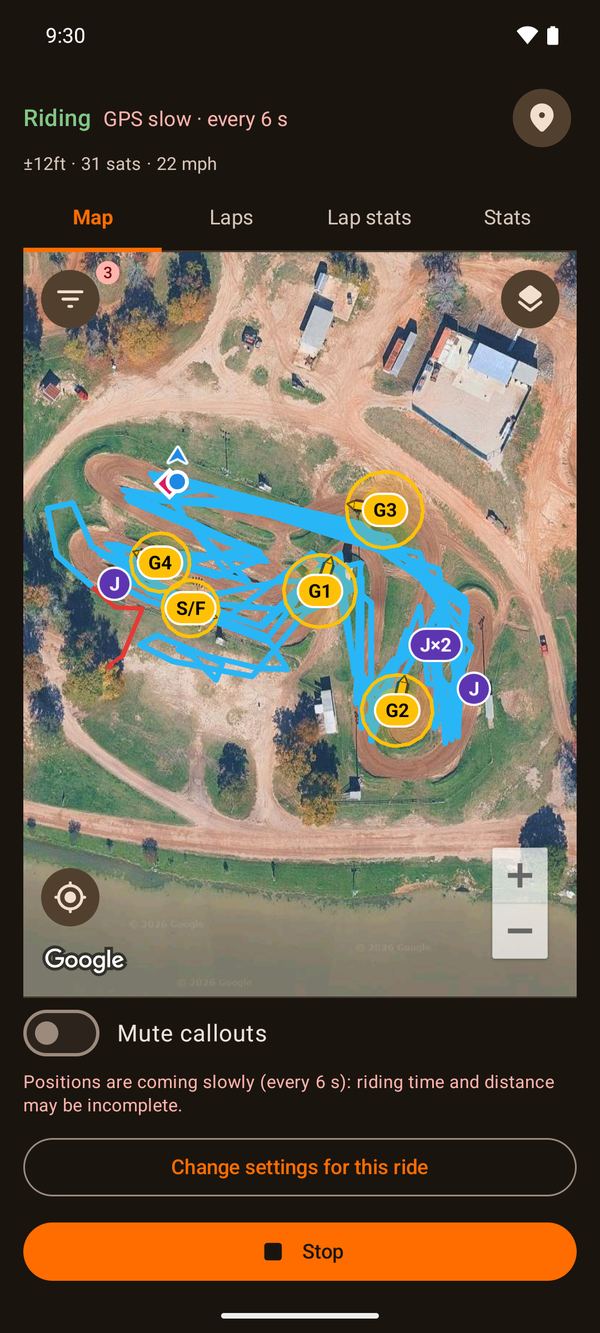
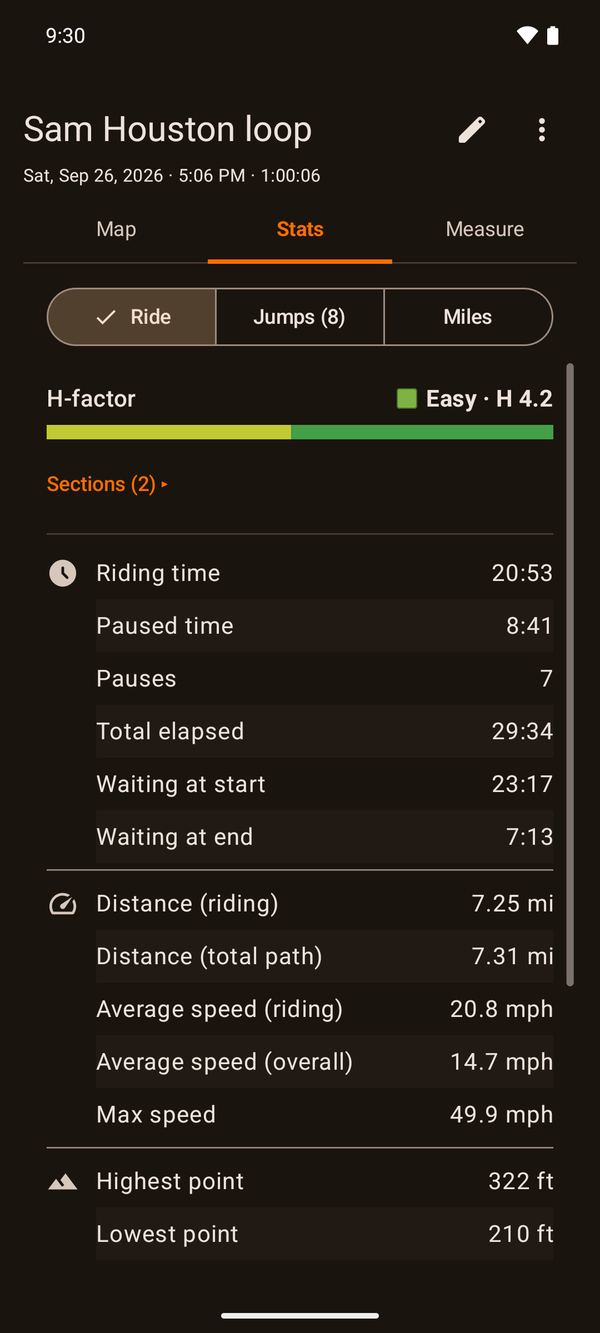
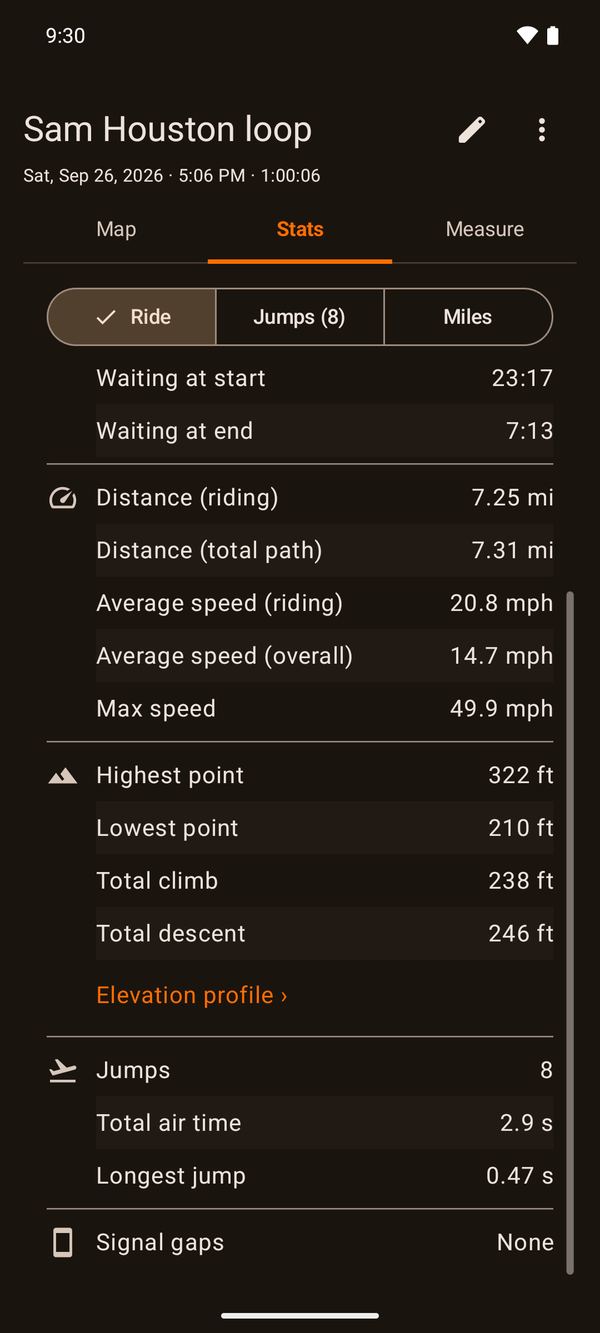
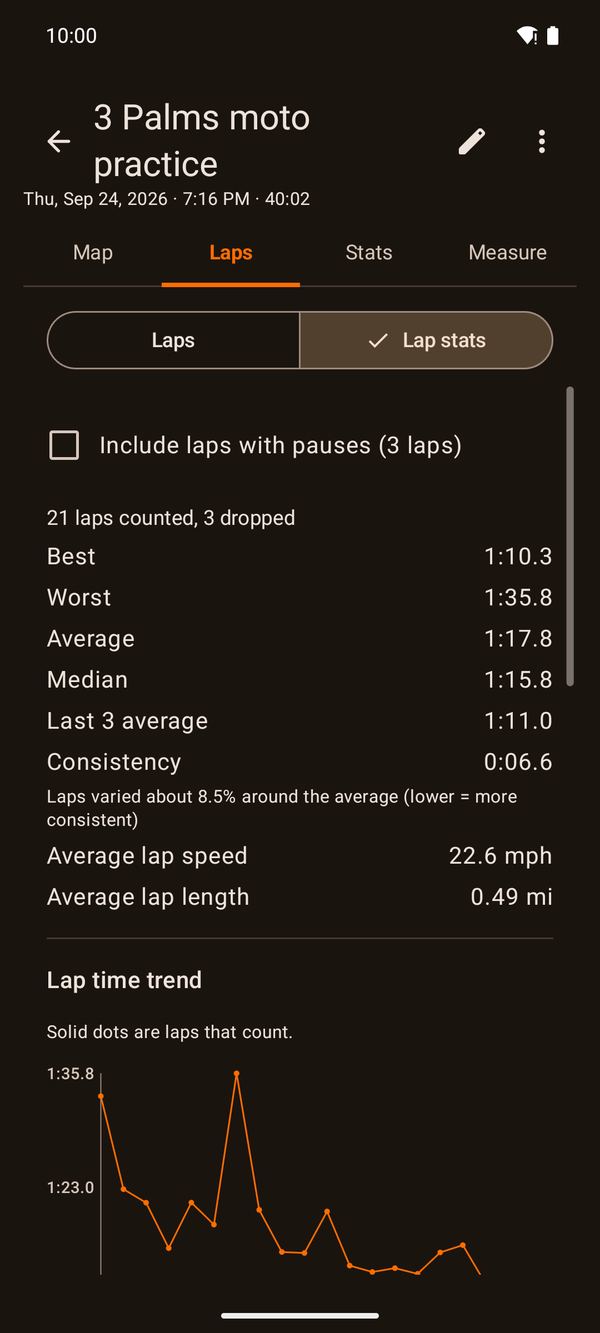
Tap Start Recording and put the phone away. Tracking starts once the GPS has a good fix ("GPS locked"). When you stop, the ride pauses on its own, and it resumes when you ride off, so your stats count only riding.
The home-screen widget shows whether a ride is running; tap it to open DirtLog. Stop the ride from the app or from its notification.
Before your first ride: in DirtLog's app settings, open Battery and choose Unrestricted, so the phone doesn't stop the recording to save battery. The app walks you through it, including the extra steps some phone makers need (Settings › Check battery settings).